Correcting speakers
How to assign, reassign, and manage speakers, and how Avocet's matching improves over time.
Avocet diarizes the other side of the call into unlabeled voices like "SPEAKER_2." You tell it who that is once, and it remembers.
The meeting view
Open a finished meeting to see its transcript, grouped by speaker and time.
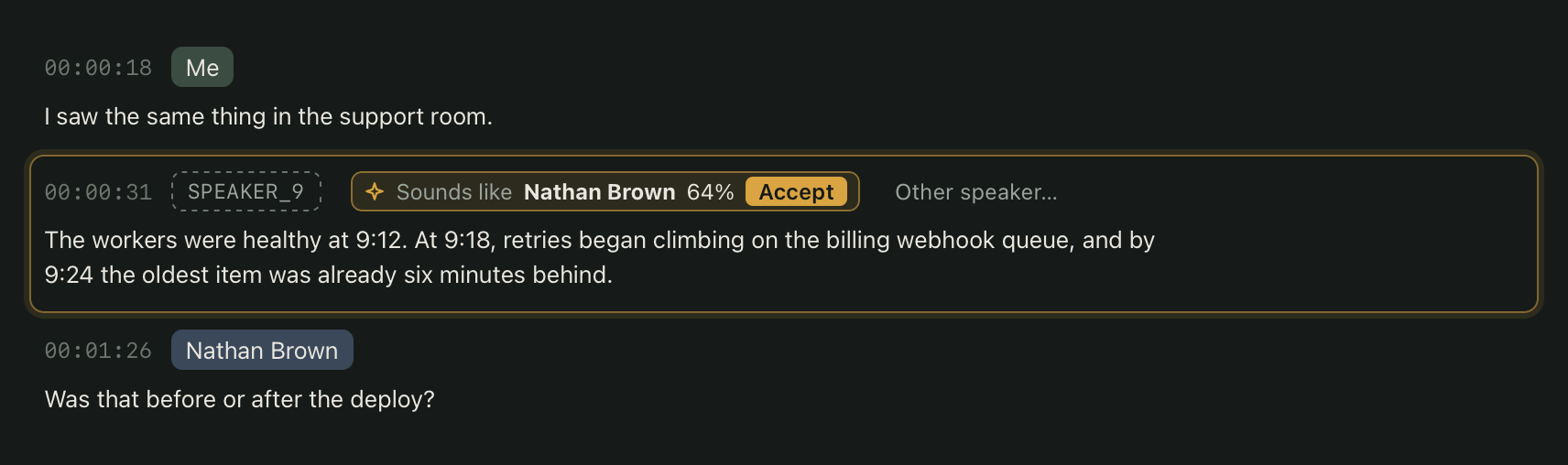
An unassigned voice with a strong enough match shows an inline suggestion with a percentage. Click Accept if it is correct, or Other speaker to pick someone else. Next unassigned jumps you straight to the next voice that still needs a name.
Assigning and reassigning
Click Reassign on any segment, or a speaker's name chip, to open the speaker editor.
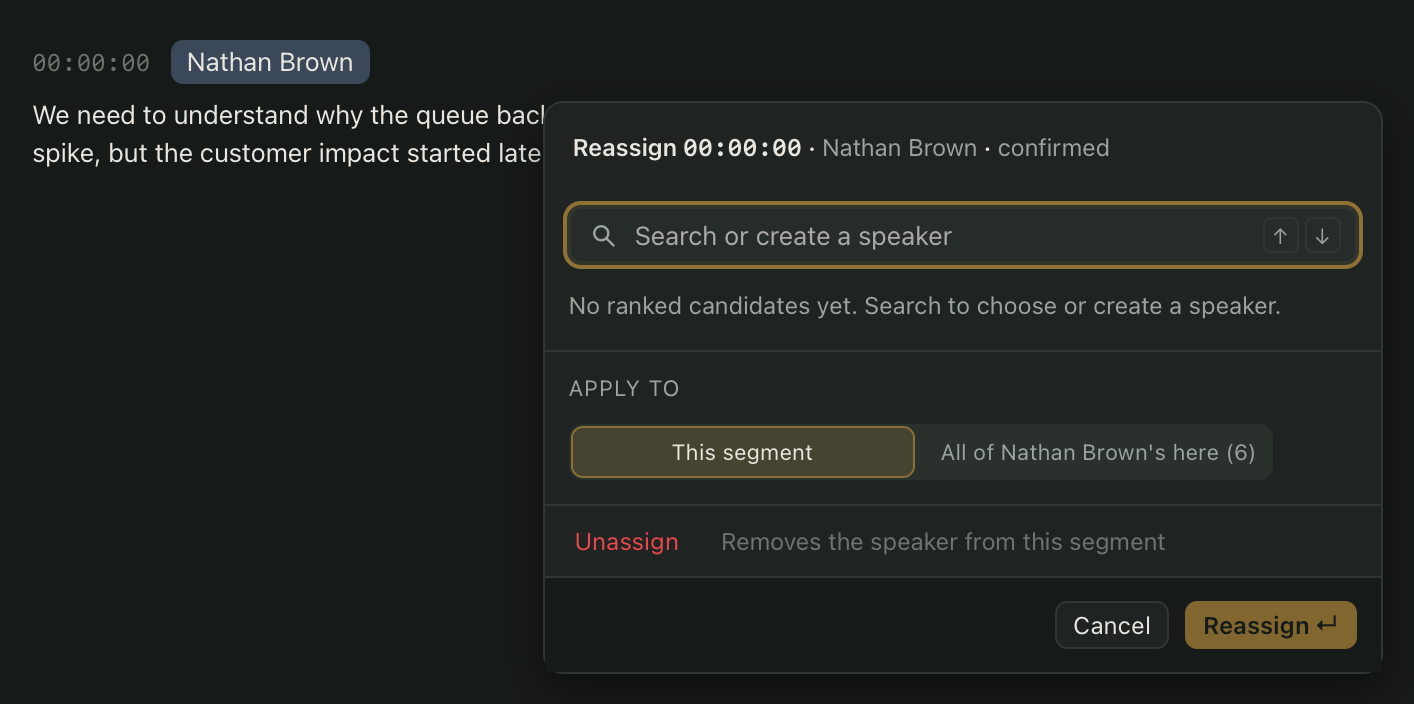
The editor ranks your most likely known speakers first, with a match score for each. Choose one, or type a name to create a new speaker. You can apply the change to just that segment, the whole paragraph, or every matching segment in the meeting. If only part of a segment is wrong, drag to select just those words and reassign the selection.
Unassign removes a name from a segment and puts it back to its raw label.
The Speakers page
Every person Avocet has recognized shows up on the Speakers page, with how many meetings they appear in and how recently. Open a speaker to rename them, add aliases, merge two entries that turned out to be the same person, split a wrongly merged one apart, or delete a speaker who has no segments left.
How matching learns
Every time you confirm a name, Avocet keeps that voice sample as trusted evidence for that speaker. Recognizing someone with enough confidence requires at least two meetings and 20 trusted voice samples, so accuracy builds up over your first few calls with them.
Once a speaker has enough evidence, Avocet can assign them automatically, without waiting for you to accept a suggestion. If you correct an automatic assignment, Avocet remembers that near-miss and avoids repeating it for that voice, while still learning the assignment you chose.
Renaming a speaker changes their name everywhere it appears and regenerates every affected export automatically.