Transcript dictionary
Teach Avocet how to write names, acronyms, and terms it keeps getting wrong.
The dictionary is a list of find-and-replace rules Avocet applies to every transcript, so a name or term you correct once stays correct in every meeting from then on.
Adding a rule
Select a phrase in any meeting's transcript and choose Dictionary from the popover. The editor opens with that phrase already filled in. Type what Avocet should say instead and save. Avocet reports how many words and meetings the change affected right away.
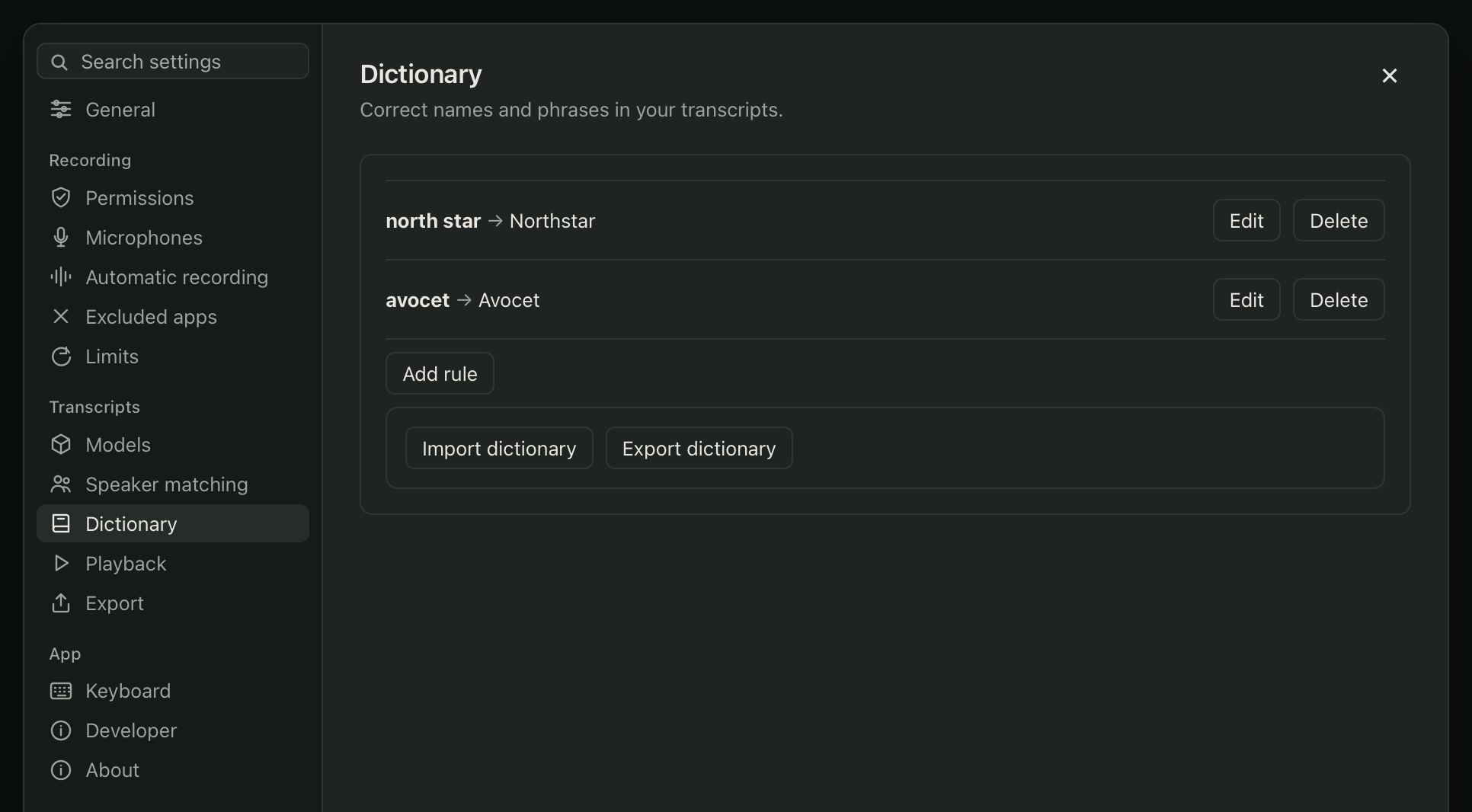
You can also manage every rule at once in Settings > Transcripts > Dictionary.
How it works
A rule matches whole words or phrases, case-insensitively, wherever they appear. It runs after transcription and before you see or export the text, so it never changes what the on-device model actually heard. That means a rule change replays cleanly across every past meeting too, and you can edit or delete it later without compounding earlier corrections.
Import and export
Export writes your rules to ~/Documents/Avocet/dictionary.json, a plain JSON file you can back up or move to another Mac. Import reads that same format back in and replaces your current rule set after checking it. Avocet applies imported rules to your existing meetings and reports how many meetings changed, and how many rules were new, updated, or unchanged.